PikaPods: hosting open source apps #2
More on Hosting Open Source Apps!
In my last article, I talked about an easy way to host open source apps on a server you own using Cloudron.
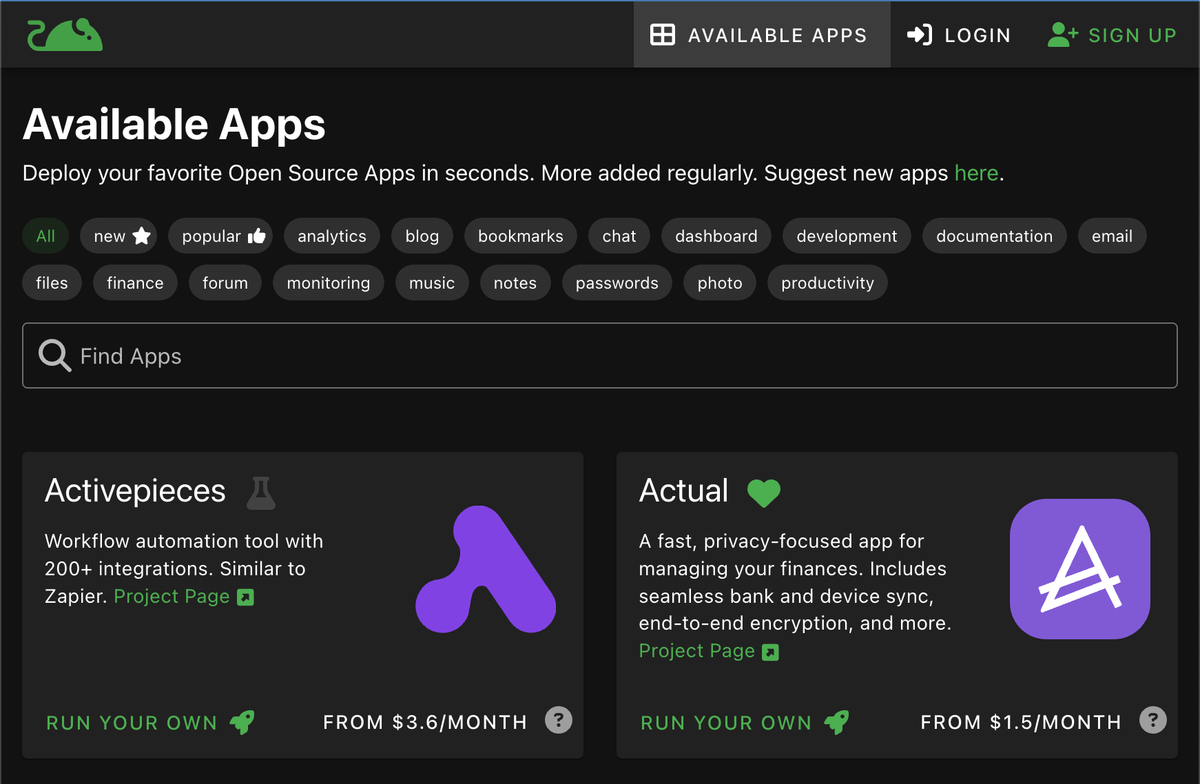
Pikapods provides an even simpler approach where you never have to interact with the server or a command-line prompt.
The list of available apps is similar. You choose which app you want to install, and it creates what it calls a pod.
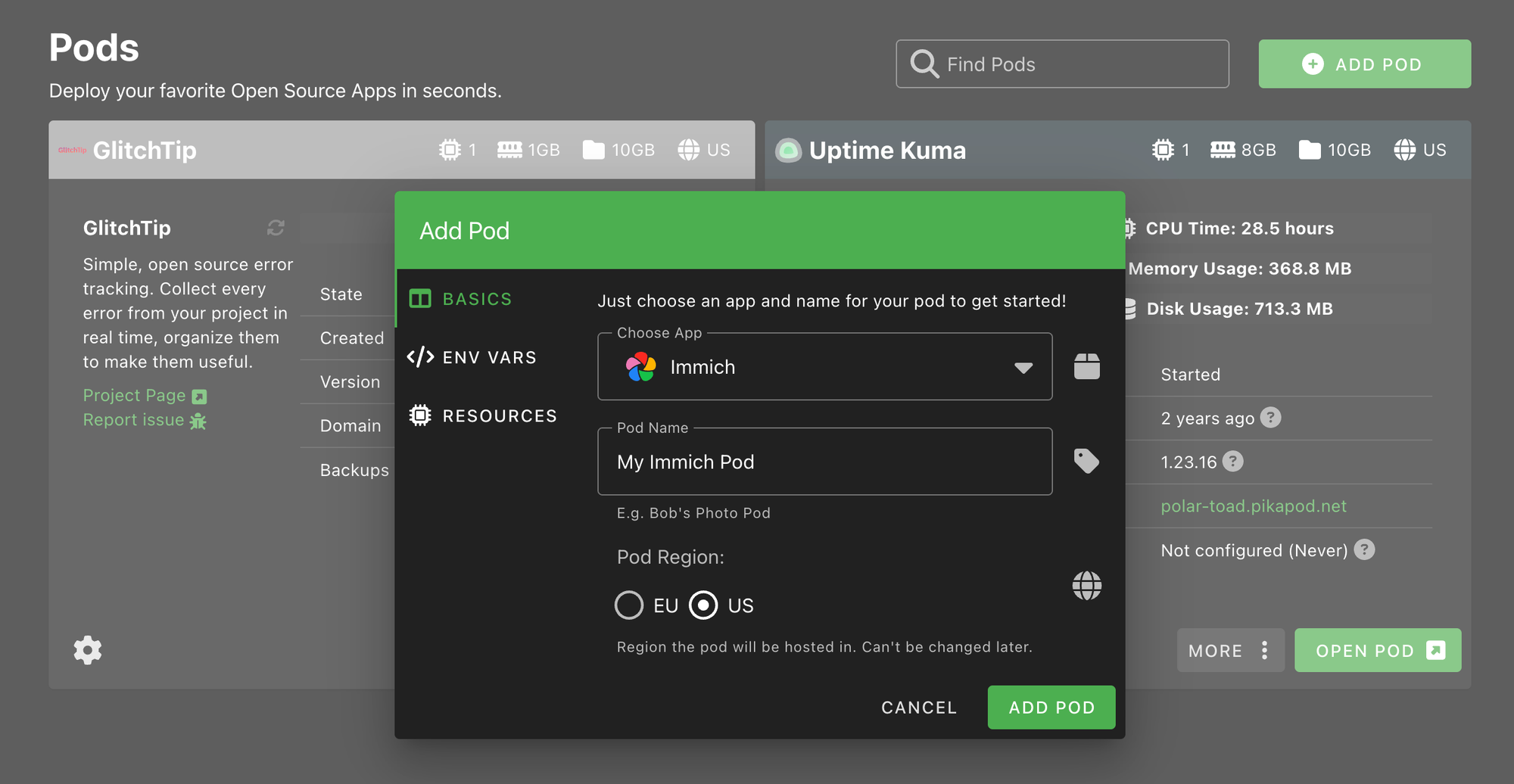
There are default recommended resources, but you can choose how much to allocate to each pod, which will affect its price.
Each pod gets its own URL, but you can configure it to use your own domain.
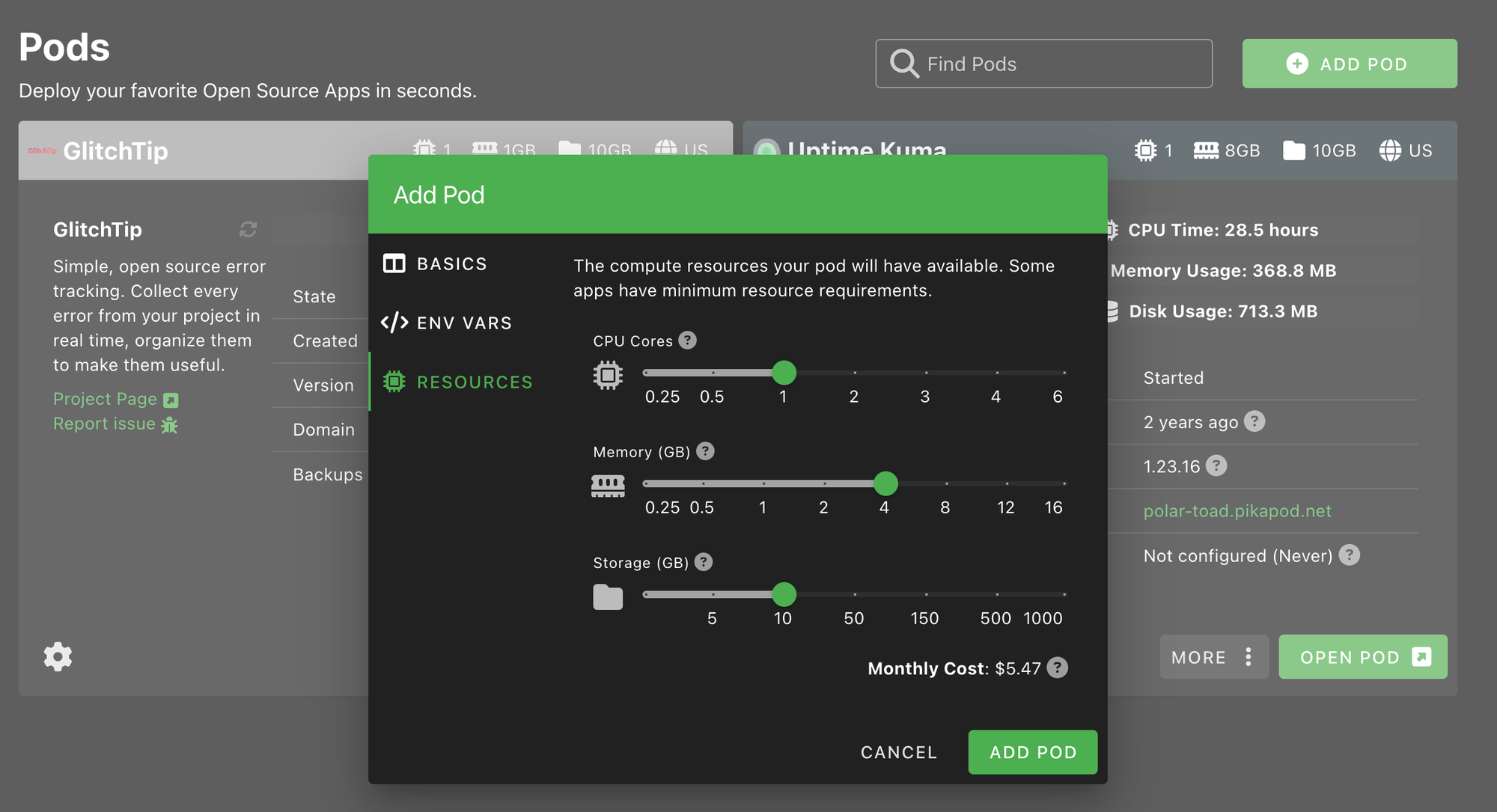
One of my biggest hesitations with using this service was that they didn’t initially offer per-pod backup options to S3. They recently added this feature, so if something goes wrong, you still have a backup.
Check out the full list: https://www.pikapods.com/apps#
We’re currently using it for Uptime Kuma (since you don’t want your uptime monitor running on the same server as everything else).
They offer a solid selection of apps for blogging, note-taking, finance management, photo libraries, and more.
Sometimes the apps are a bit more limited. For example, system cron jobs aren’t possible for the WordPress app, which means background tasks will only run when a user visits the site. That makes it less suitable for something like Disciple.Tools.
I hope you find this helpful—and thanks for reading!