Meeting Transcription - AI written
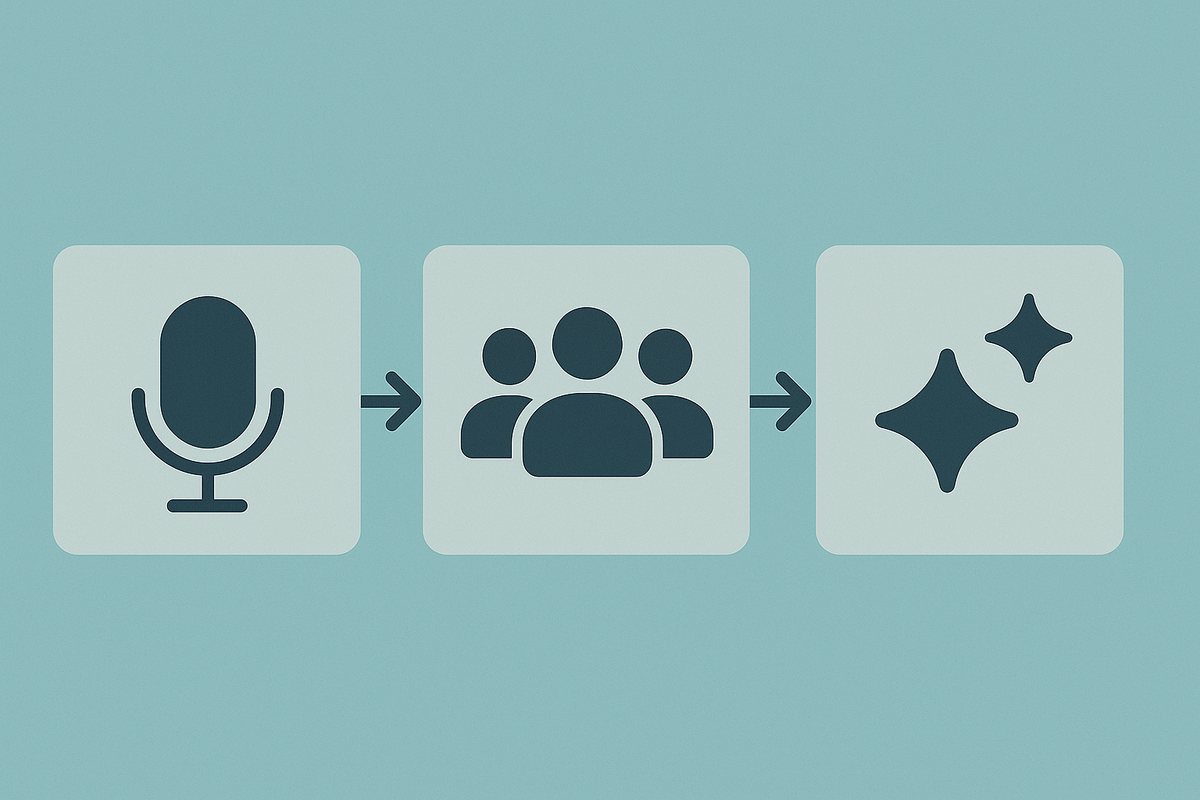
Note, this article is rewritten by my favorite snarky AI.
TL;DR: We’re now using MacWhisper to do the heavy lifting during meetings because note-taking is hard, and our brains are soft.
If you, like me, suffer from the attention span of a concussed goldfish, meetings can feel like a chaotic mess of words and blinking Zoom faces. You’re either trying to sound engaged or frantically typing nonsense into Notion. Rarely both. So, having a reliable way to capture what was said — without turning into a corporate court stenographer — is kind of essential.
Sure, there are services like Otter AI and Fathom AI that claim to transcribe everything you say in meetings, but they also upload your precious company secrets to The Cloud™ — which is just someone else's computer that you’re not allowed to touch. Cute, but no thanks.
Enter MacWhisper. It’s like a little elf on your Mac that listens in on meetings (offline, thank you very much) and quietly churns out transcripts. It even tries to detect Zoom calls automatically, which is both helpful and slightly creepy — like a butler who’s just always there.
Important note: legally and ethically, you should inform people that you’re recording them. This isn’t a spy movie. It’s just Brenda from HR talking about Q2 goals.
MacWhisper uses OpenAI’s Whisper model to transcribe, and yes, it tries to separate who said what. Results are... fine. Sometimes you’re "Speaker 1" and sometimes you’re mysteriously "Speaker 3" with a weird echo. But you know what? It’s good enough, and it’s getting better, which is more than I can say for my attention span.
Summarization Time:
Here’s the cherry on top: once you’ve got the raw transcript, you can click a button and poof, summary. That is, if you’re okay sending your meeting content off to ChatGPT, Gemini, or whatever hungry AI is lurking in the cloud with digital fangs. We’re not, because we like privacy, and also because we're paranoid.
So instead, we use LM Studio, which lets us run the AI locally on the same machine. No cloud, no leaks, no invisible audience. It’s just you and your laptop, like the old days. I hit “Summarize,” and boom — I get a digestible chunk of what happened, minus the filler and awkward silences.
Then I send the recap and transcript to my team like some sort of productivity wizard. You're welcome, team.
Next on the list: figuring out how to query all our past meetings like a massive hive mind of mediocre ideas and missed deadlines. Can't wait.